



The profession of a programmer is not for everyone. But the SKILL OF PROGRAMMING – that’s a different story! And it has never been more in demand in the AEC industry.
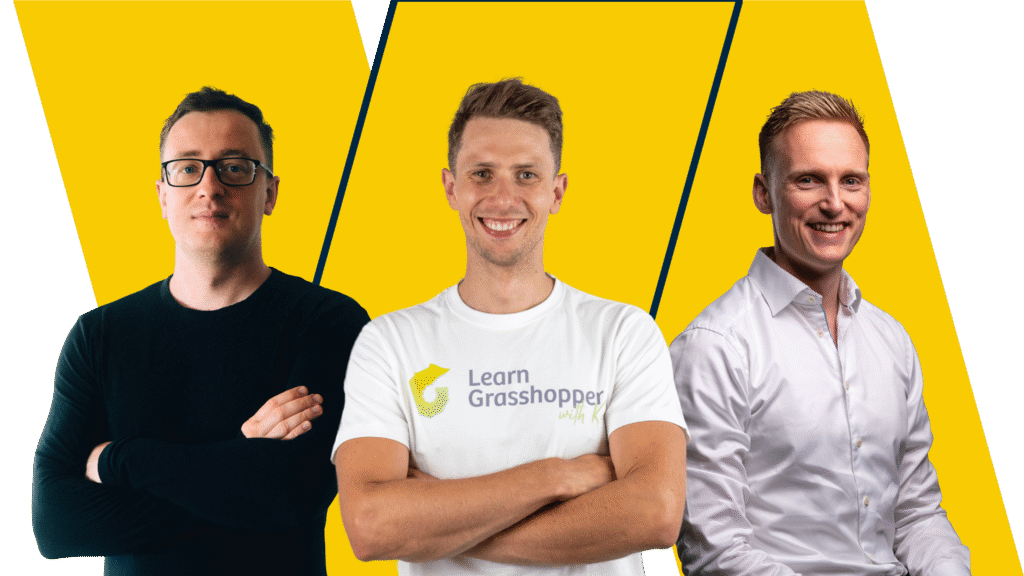
You’ll be learning from top experts with years of experience in the AEC industry and teaching at leading technical universities. Students love the way they teach and the skills they acquire completely transform the way they work.
It doesn’t get better than this!
The PROFESSION of a programmer is not for everyone.
However, the SKILL OF PROGRAMMING is!
And it has never been more relevant for the AEC industry.
Years ago, we took on the self-learning path, determined to incorporate coding into our daily work.
Recognizing how programming has revolutionized our careers, letting us transition from tools like Excel and AutoCAD to more advanced, future-oriented technologies – we want to pay it forward by offering you:
poured into a well-structured and fun program: a balanced blend of 20% theory and 80% practice; practical, engaging and gamified tasks, and stimulating challenges suited to your current skill level.
Getting where we are was worth every drop of sweat, every underslept night, and every “f*ck!” in the process, but we do wish there was a comprehensive training program we could follow that would save us so much precious time and frustration.
But it’s here now! Try it out! – do it for the future and for these poor bastards we were in the past. 🫡

Provide extensive theoretical knowledge which, valuable as it is, does not translate into practical skills.

YouTube is full of programming tutorials, but do you have the time to go through 100 tutorials to find 1 that addresses your current challenges?

Which is risky if you value your time and want to feel confident about your skills and have the knowledge properly structured in your head.



Associate Professor at NTNU
Senior structural engineer at Mulitconsult

Parametric Design Engineer
Founder of LearnGrasshopper.com

PhD at NTNU
Senior Structural Engineer at COWI

Parametric Design Engineer
Founder of educational platform

Associate Professor at NTNU
Senior structural engineer at Mulitconsult

PhD at NTNU
Senior Structural Engineer at COWI

Try this new method of learning Grasshopper and see how much fun it can be!
The file contains 12 different exercises together with an explanation of how to solve them.
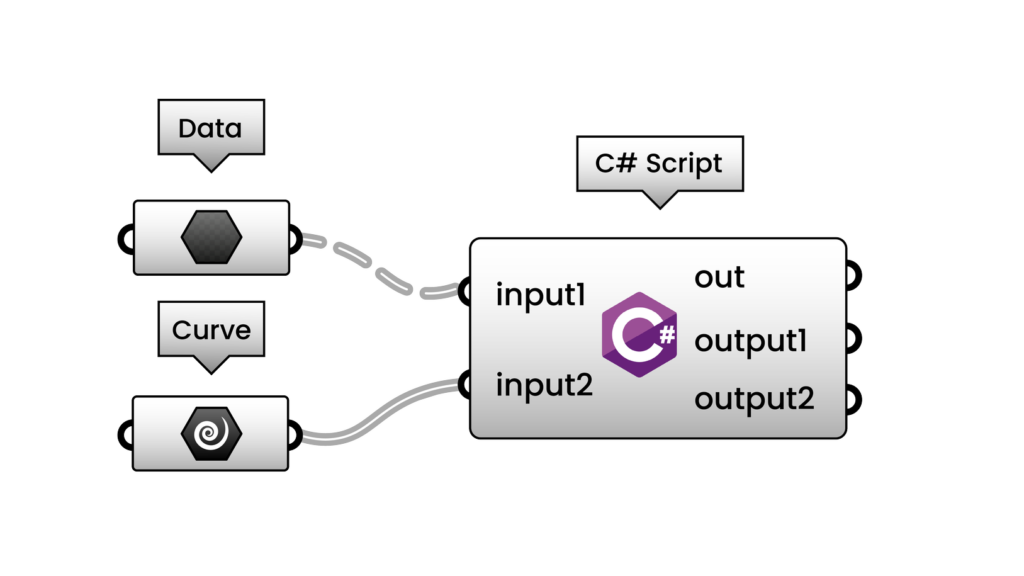
Learning to code can be enjoyable! Check out our C# in Grasshopper exercises and see for yourself.
The file contains 12 different exercises together with an explanation of how to solve them.
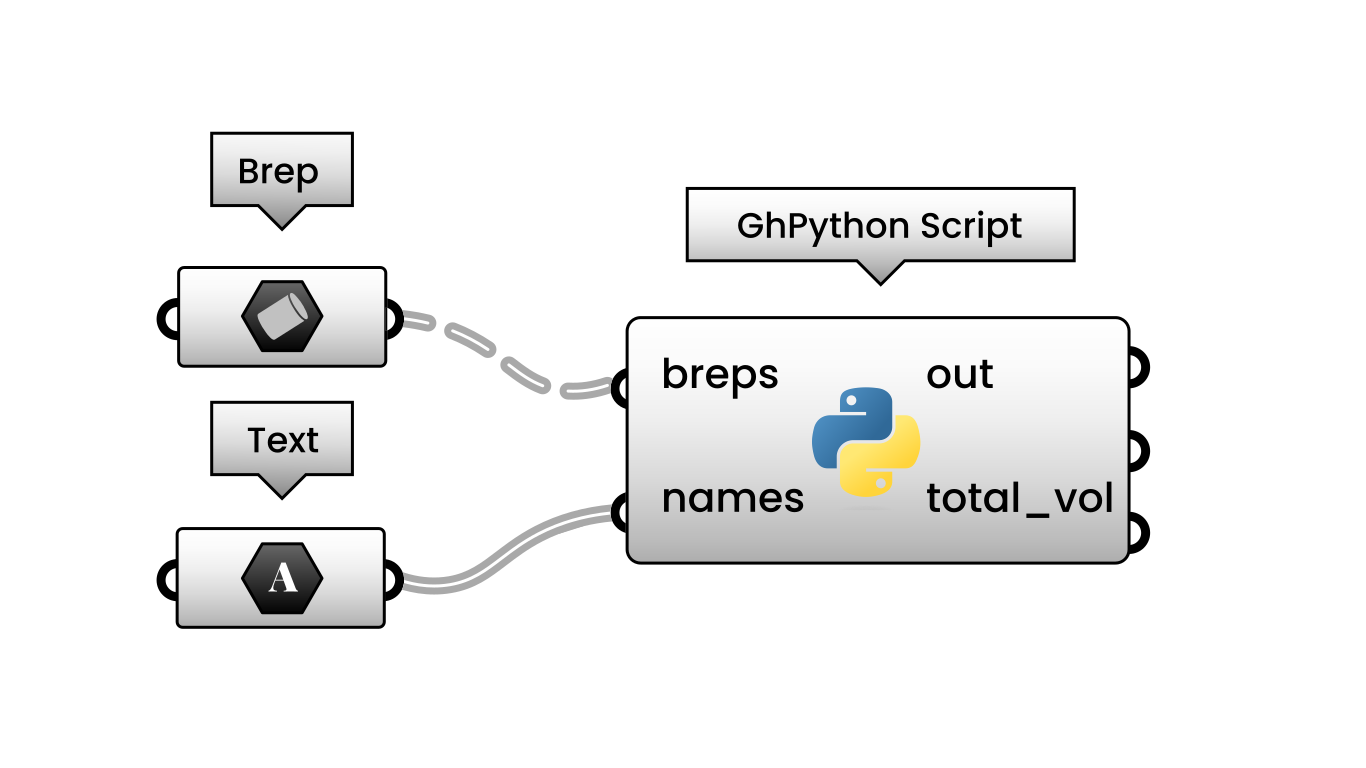
And of course, we have similar exercises for Python in Grasshopper, too.
After purchasing the Program, you will receive access to a closed group for ambitious Engineers - just like you.
It is a very valuable element of the Program. Why?
In this introductory module, you’ll learn how the course is structured, who will teach you and how to get the most out of this comprehensive program.
00.00. Hello [07:16]
00.01. About the course [10:46]
00.02. About Author [04:43]
00.03. How to work with materials [16:00]
00.04. Discord Group [08:46]
00.05. First Exercise [02:33]
This module will give you a better understanding of Programming. You will learn the Computational thinking concept. Be familiar with the parametric design approach and how the entire AEC industry can benefit from it.
01.00. Intro [01:29]
01.01. Why should engineers
learn programming? [17:29]
01.02. Computational thinking [15:50]
01.03. Computer Programming [16:57]
01.04. Parametric Design [12:45]
01.05. Why Parametric Design? [15:15]
01.06. What is Rhino and Grasshopper? [16:01]
01.07. Grasshopper in Action [36:47]
We will dive into the basics of Rhino and 3D modelling. You will learn all essential Rhino commands and functions. You will gain all the necessary skills to work in Rhino together with Grasshopper.
02.00. Installation process [20:03]
02.01. Rhino Interface 1/2 [30:25]
02.02. Rhino Interface 2/2 [18:15]
02.03. Modelling in Rhino 1/2 [32:06]
02.04. Modelling in Rhino 2/2 [28:43]
Let’s get familiar with the Grasshopper interface. In this module, you will learn everything about canvas, Radial Menu, tollbars and how to work simultaneously in Rhino and Grasshopper.
03.00. Intro [02:13]
03.01. Grasshopper interface 1/3 [20:52]
03.02. Grasshopper interface 2/3 [14:24]
03.03. Grasshopper interface 3/3 [09:15]
03.04. Rhino with Grasshopper 1/2 [23:26]
03.05. Rhino with Grasshopper 2/2 [19:53]
03.06. Intro Grasshopper -Homework [03:02]
It is time to be familiar with script elements. You will learn all available parameters in Grasshopper, how to use wire functions, and understand the logic behind Grasshopper components.
04.00. Intro [04:15]
04.01. Grasshopper Parameters 1-2 [23:21]
04.02. Grasshopper Parameters 2-2 [28:43]
04.03. Wiring [11:01]
04.04. Grasshopper Components [13:22]
In this module, you will understand data as a list. Further, we will explore all essential components created for manipulating data in the form of a list.
05.00. Data [05:56]
05.01. List Creation [21:06]
05.02. List Management [19:26]
05.03. Working with lists [10:27]
05.04. Logic [18:02]
05.05. Mathematics [23:28]
All lessons in this module will be dedicated to Grasshopper elements such as points, vectors and planes.
06.00. Intro [01:46]
06.01. Points [27:18]
06.02. Vector [32:00]
06.03. Planes [28:24]
Now, it is time to start playing with geometry. This module covers all practical transformations such as move, scale, rotate, orient and project on.
07.00. Intro [01:38]
07.01. Basic transformations [33:02]
07.02. Advanced transformations [36:39]
07.03. Homework [05:40]
Finally, you are ready for advanced data management in Grasshopper. In this extensive module, we will go through the concept of data tree structures. How to create and manipulate data tree structures.
08.00. Data tree [01:44]
08.01. Data tree structure [26:09]
08.02. Data tree generation [25:55]
08.03. Data tree matching [18:37]
08.04. Data tree operations [35:44]
08.05. Homework [01:47]
This module covers all theories about parametric curves. You will learn all the useful components and start creating a geometry that consists of curves.
09.00. Intro [19:13]
09.01. Lines and polylines [20:48]
09.02. Modify polylines [43:04]
09.03. Curves division [19:12]
09.04. Curve operations [34:49]
09.05. Homework [06:06]
All lessons in this module will be focused on surfaces. First, we will dive into the theory and we will make numerous practical examples with the use of surface components.
10.00. Intro [11:37]
10.01. Primitives [10:14]
10.02. Free form [27:37]
10.03. Analysis [21:34]
10.04. Util [18:56]
10.05. Homework [06:08]
In one of the closing modules, we will go through diverse additional topics such as:
Text management, data visualisation, BIM in Grasshopper
11.00. Intro [01:02]
11.01. Text management [30:23]
11.02. Display [36:28]
11.03. Intersect [16:19]
11.04. Diverse [20:18]
Here you will get your certificate of completion of the course.
This module is dedicated to extra learning materials and practical advice about using Grasshopper. I’ll give suggestions about the next steps you can take on your journey into applying parametric design to your work.
13.01. Good habits while working with Grasshopper [39:59]
13.02. How to create clean Grasshopper scripts [01:11:08]
13.03. IFC Export from Rhino – VisualARQ [56:40]
13.04. Revit to FEM software workflow [26:58]
13.05. Extra exercises
13.06. Terrain in Grasshopper – Lands Design [59:05]
In this introductory module, you’ll learn how the course is structured, who will teach you and how to get the most out of this extensive program.
00.00. Hello! [03:38]
00.01. About the course
00.02. About an author [06:02]
00.03. How to work with materials [06:42]
00.04. Discord Group [05:54]
00.05. First Exercise [03:11]
Learn about basic parts of C#, how they send and receive data, and how to use different types of simple data like numbers and words. You’ll also discover how to make points and lines, useful for construction tasks. The course ends with a lesson on creating your own simple C# component and an intro to practice exercises.
01.01. Introduction to the course, first component [07:43]
01.02. Component outputs [10:28]
01.03. Variables int string double [10:07]
01.04. Component inputs [11:43]
01.05. Basic definitions [12:59]
01.06. How to make point and lines [08:12]
01.07. Creating basic component in C# [14:42]
01.08. Introduction Lecture – Exercises
Learn to create and manipulate lists and arrays in C#. Use 'for loops’ and 'if statements’ to work with lists. Get hands-on experience by making a component for a truss structure.
02.01. Creating lists and arrays [14:37]
02.02. Creating list with for loop [14:16]
02.03. Creating if statement with list [17:03]
02.04. Operating on the lists [15:59]
02.05. Creating a component with a truss [23:07]
02.06. Data types and lists – Exercises
Learn how to work with text in C# through strings. Discover how to find text within strings and how to split strings into parts. Explore methods that return results and those that don’t. Create a component to sort labels, a useful skill for managing data.
03.01. String contain string [11:56]
03.02. Operations on string splitting [12:01]
03.03. Methods with and without results [11:18]
03.04. Component for sorting labels [18:05]
03.05. Text objects and methods – Exercises
Learn to create, read, and modify data trees, structures that organize your data. Explore how to use random numbers within data trees. Build a component that calculates capacity, useful for resource management.
04.01. Creating data tree [09:15]
04.02. Reading data tree [10:07]
04.03. Modifying data tree, random number [11:04]
04.04. Component which calculate the capacity [17:33]
04.05. Numeric objects and data trees – Exercises
Learn to work with curve objects in C#. Start by creating a list of points on a line, then move on to making curves. Discover how to create a grid of curves and a grid of polylines, useful skills for design and modeling.
05.01. Creating list of points on the line [13:33]
05.02. Creating curves [09:54]
05.03. Creating grid of curves [28:08]
05.04. Creating grid of polylines [18:16]
05.05. Curve objects – Exercises
Learn to create and manipulate surface objects. Make surfaces from points and through extrusion, and explore lofting techniques. Modify surfaces using control points and build a component to construct a gridshell from a surface.
06.01. Surface from points and extrusion [10:50]
06.02. Surface loft [08:46]
06.03. Surface loft and from network of points [18:20]
06.04. Modifying surface by control points [29:03]
06.05. Component to build gridshell from surface [18:45]
06.06. Surface objects – Exercises
Get hands-on experience with Boundary Representation (BREP) objects. Start by creating basic shapes like spheres and cubes. Learn to create BREPs along an axis and how to close them.
07.01. Creating sphere and cube [10:29]
07.02. Creating brep in the axis, closing brep [11:20]
07.03. Creating surface for gridshell [15:15]
07.04. Creating columns and trimming and intersection [21:00]
07.05. Creating brep objects from axis [24:51]
07.06. Brep objects – Exercises
This module provides extra content to boost your C# skills. Practice various methods, learn to export data to Excel, and build an analytical model in two parts. Get an introduction to using C# in Visual Studio and Tekla, expanding the scope of your projects.
08.01. Methods, Exercises
08.02. Export Excel [13:41]
08.03. Analytical model – Part 1 [35:19]
08.04. Analytical model – Part 2 [34:35]
08.05. Visual Studio [20:44]
08.06. C# in Chat GPT-4 [52:59]
08.07. C# in Tekla [01:05:45]
08.08. C# in Rhino 8
08.09. C# in Speckle
08.10. C# in Karamba
Dive into the theory behind C#. Understand the concepts of converting types, working with instances, and creating classes. This module gives you the foundational theory to understand the practical exercises better.
Theoretical issues classes [08:06]
Theoretical issues instances [04:25]
Theoretical issues converting [04:59]
In this introductory module, you’ll learn how the course is structured, who will teach you and how to get the most out of this extensive program.
00.00. Hello [04:18]
00.01. About the course [10:11]
00.02. About an Author [05:16]
00.03. How to work with materials [05:33]
00.04. Discord Group [05:53]
00.05. First Exercise [03:11]
Uncover the essential components that make up Python. Learn how to display and capture data effectively. Grasp the concept of using variables to store information.
01.01. Introduction to the course [14:54]
01.02. The Python component [12:47]
01.03. Output data [07:09]
01.04. Input data [15:12]
01.05. Variables [14:49]
Start by exploring strings and their operations, then dive into the numeric types: integers and floats. Familiarize yourself with Booleans for true-false logic, and delve into Python’s versatile collections – lists, dictionaries, tuples, and sets.
02.01. Strings and string operations [33:07]
02.02. Integers and Floats [19:01]
02.03. Booleans [18:52]
02.04. Lists [19:41]
02.05. Dictionaries [15:38]
02.06. Tuples and sets [17:34]
Begin your exploration with the basics of points, and then smoothly transition into the geometric intricacies of lines, curves, and surfaces. As you progress, delve deeper into the advanced structures of Breps and meshes.
03.01. Rhino API and modules [16:10]
03.02. Points [16:57]
03.03. Lines and Curves [32:09]
03.04. Surfaces [23:56]
03.05. Breps [31:28]
03.06. Mesh [23:25]
03.07.01. Case study – Truss Part 1 [16:39]
03.07.02. Case study – Truss Part 2 [14:19]
03.07.03. Case study – Truss Part 3 [12:07]
Kick off with conditional statements, mastering the use of „if”, „else”, and „elif”. Transition into iterative processes with „for” and „while” loops, learning their nuances and applications.
04.01. If statement [20:16]
04.02. The else statement [22:44]
04.03. The elif statement [10:30]
04.04. For loops [28:54]
04.05. While loops [17:33]
04.06. Combining loops and conditionals [20:12]
We’ll start with how to make your own functions and how to get results back from them. You’ll also explore some helpful built-in functions and dive a bit deeper into the world of functions.
05.01. Creating functions [19:46]
05.02. Returning functions [23:38]
05.03. Useful python functions [27:24]
05.04. Some more about functions [22:45]
05.05. Lambda functions [24:42]
05.06. Typical errors and how to handle
You’ll learn how to open files and read from them, pulling out the information you need. Then, you’ll see how to write or add your own data to these files. You’ll also understand how to make sense of a file’s structure and how to save your findings in a results file.
06.01. Open text files in Python [17:59]
06.02. Read and extract data [15:41]
06.03. Write data [21:49]
06.04. Structure from file
06.05. Write results file [14:48]
You’ll start with an introduction to Treehelpers and then move on to using Grasshopper components within scripts. You’ll get a good grasp of rhinoscriptsyntax and create a script specifically for adding layers in Rhino.
07.01. Treehelpers [21:14]
07.02. Gh components in scripts [19:16]
07.03. Rhinoscriptsyntax [18:01]
07.04. Create script for adding layers [17:35]
07.05. Rhinoscriptsyntax in Grasshopper [08:41]
07.06. Working on Rhino objects from Grasshopper. Scriptcontext [24:15]
You’ll explore coding in Visual Studio Code, dive into Rhino 8’s features, and build engineering web apps with ViktorAI. Additionally, you’ll integrate Python with the Revit API and get hands-on with Jupyter Notebook.
08.01. Rhino 8 [1:29:11]
08.02. Visual Studio Code [1:01:46]
08.03. ViktorAI [1:22:22]
08.04. Revit API with Python [2:33:08]
08.05. Jupyter Notebook [1:40:07]
08.06. Python Speckle
08.07. Python 3 in Rhino 8
08.08. GitHub Introduction
08.09. Python for Structural Design
Create your package based on your needs and level of advancement bearing in mind that:
We are confident that Programming in AEC Fundamentals will meet your expectations. So confident that if we let you down, we’ll give you 100% of your money back!
You have 30 days to resign from the course. One e-mail and the cash transfer goes back to your account.
No hard feelings, no questions asked!
We have nothing to hide!
If you need more information, please send us an email to: kris@learngrasshopper.com
NOTE!
Before sending an email, please check the FAQ section below. You may get your question answered right away!
Your turn.
Will you make the next step to becoming an Engineer 4.0 with us?
Your account will be created on the educational platform immediately after purchase. Details on how to access the training will be provided by email. If you bought more than one training access, we will contact you directly.
Please note: access to the platform is granted immediately after purchase, however, access to the training programs will only be granted when the payment is cleared in our account.
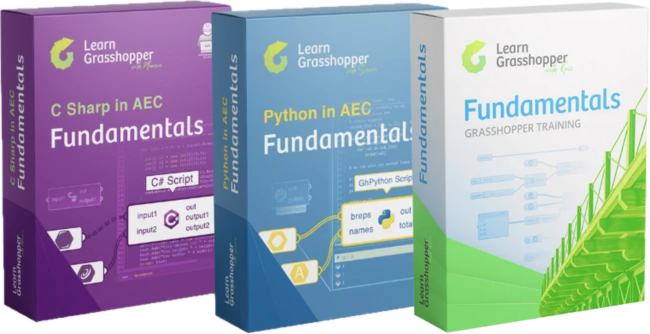
Programming in AEC Fundamentals consists of 3 separate online courses. In total they consist of 63 hours of recorded video lessons ( You can find demo lessons here Computational thinking, Creating basic component in C# , Rhino API and modules ).
The trainings you purchase will be available on the online platform. All you have to do is log in to the platform after purchase and this vault full of information will be available to you.
After each C# or Python lesson, there are practical assignments that will help you better understand and implement what you’ve learned. Practice is key to successful learning, so we have prepared more than 500 practical exercises for you.
Each training consists of short lessons you can follow at your own pace, wherever you are.
There are 3 payment methods:
1. By card (via Stripe)
2. By card – in 3 installments (via Stripe)
3. By Bank Transfer / Invoice.
Every payment (not only option 3) receives an invoice. Please fill in all information that you want to have on your invoice during checkout.
If you will face any problems in the payment process, just write to us contact@programmingInAEC.com.
Yes, of course. Our primary goal is for you to learn Programming in AEC and implement it in your day-to-day work. If you decide that you are not getting what you wanted out of the course or would like a refund for any reason, during the first 30 days after purchase, I will fully refund you.
You will receive the full amount you paid refunded into your account, no questions asked. Ok, maybe one question: what would make this training better? But you don’t have to answer it. The refund is unconditional.
Yes! This training is made to be easily understood by everyone, especially beginners. The course is designed to slowly build up your programming knowledge so that even if you begin with ZERO programming experience, by the end of the course, you will be able to get through some advanced programming topics. By the end of the course, I am confident that you will have the necessary skills to fully utilize Grasshopper/Python/C# at your work.
Yes! We’re using a Discord group for our online community. Access to the group will be restricted to students, and comments will be monitored. There will be no trolls and no trolling.
We – the instructors – will be active members of the group and will help students and answer questions along with the community.
Programming in AEC training is an obvious advantage for you as an engineer but also for your company. You can always try to get reimbursement for your work!
If you work as an engineer, consultant, or architect and you aren’t sure how to get your employer to fund this training, I created a One Pager for your manager that will help persuade them to purchase the training for you.
You can choose the training/set of trainings that best fits your current needs!
We do recommend that you join the Ultimate bundle of 3 training programs for a few reasons:
However, this is just a recommendation and above all we want you to be convinced that the purchase you’re making fits your actual needs! So you are free to choose if you’re going for one training only, a bundle of 2 of your choice, or the ultimate bundle of 3.
If you’re new to Grasshopper, we’ve got a special deal for you – choose a bundle of Grasshopper Fundamentals Training + C# or GFT+ Python (and save 57 EUR) or even better, join the ultimate bundle of GFT, C# and Python trainings (and save 84 EUR!). These are perfect options for beginners, which cover the Grasshopper fundamentals first, letting you enter the text-based programming trainings with confidence.
You don’t need to be a Grasshopper expert, but semi-advanced level is necessary to succeed in C# in AEC and Python in AEC trainings.
And no stress! If the course is too hard and you don’t want to continue, you can get a full refund within 30-days from purchase.
Absolutely!
This training was specially created for learners without any coding experience. The training begins with theory and basic concepts. However, with every following module, we will do more and more advanced work. Many advanced users went through this training and still learned A LOT.
In Programming in AEC Fundamentals Training, we go through practical application of text-based programming in the AEC industry. We are 100% sure that even if you have used C# or Python, you will find something new in this training.
Check out our Bonus materials for some cool extra learning:
Learn how to build functional, attractive engineering web apps using Python, integrate Python and C# with Revit and Tekla for doing more with this software, and discover how ChatGPT can assist in debugging and refining your code.
Remember that if it turns out that this training is not advanced enough for you, you can always request a refund within the first 30 days and get 100% of your money back.
This information is especially relevant for companies. YES, you can buy multiple licenses by placing one group order. You can do this by simply increasing the number of items in your cart. We will contact you after the payment has been confirmed.
Don’t forget! For every 7 purchases, you will automatically get one for free. If you buy 14, you will get two, and so on. Once you’ve paid for the order, we will send you all information on how users can access the learning platform.
Nope! This is a one-time purchase. When you buy the Programming in AEC Fundamentals, you’ll always have access to it.
We plan on constantly updating and improving the training over the next couple of years – and you’ll get all updates and additions for free.
Each training is planned for more-less 8 weeks, which gives 24 weeks in case you buy the ultimate bundle. On average, you will need about 6 hours per week to watch all the videos, read through the course materials and go over all the practical exercises. Statistics from users that have done this training show that you need about 140 hours to complete Programming in AEC Fundamentals.
Please don’t worry if you don’t have time to start the course right now and follow the mentioned number of hours or weeks. You have lifetime access, so you can start and go through the lessons whenever you have time.
In this training, we are using Grasshopper scripts editors in Rhino 7/ Rhino 8. Grasshopper comes together with the installation of Rhino. A free license – Rhino Evaluation – can be downloaded from the official Rhino website for free. After registration, you will receive a ready-to-use 90-day full license. This license is enough to get you through all the course modules with extra weeks after you have finished the training.
If you’ve already used the eveluation license and don’t know how to proceed, please send an email directly to kris@learngrasshopper.com and we will check what can we do.
No, you don’t have to, but we strongly recommend starting together with others. If you start along with the other students, you are more likely to finish the training and you will get most support in our closed community, as other students will be active there and consult current issues. However, you’re perfectly capable of completing the training also asynch – so follow your schedule and consult the group anyways whenever you are stuck!
Yep! Anyone who completes the training will get a certificate in a PDF format with their name on it, showing that they’ve completed the selected trainings – Grasshopper Fundamentals and/or C# in AEC Fundamentals and/or Python in AEC Fundamentals. This can be useful to claim reimbursement from your employer, to share on social media, or to just feel great about your accomplishment!
Great, now we can start learning together!
After joining the Programming in AEC Fundamentals program, congratulate yourself!
Before you notice, you’ll level up your Engineer 4.0 skills and advance on the path towards a world of limitless freedom in shaping your workflows and tools, better career, and enjoyment of your everyday work!
And if you are still here but have not hit this button yet…
Enter your name and e-mail to get our FREE GUIDES for beginners and more about practical application of Programming in AEC.
Remember to click the link in the email to confirm your sign up!
By joining this mailing, you agree to receive information about news, promotions, products, and services from learngrasshopper.com
Have a good one!